Nikon ZR camera control over USB and Wi-Fi
Your whole camera. One screen.
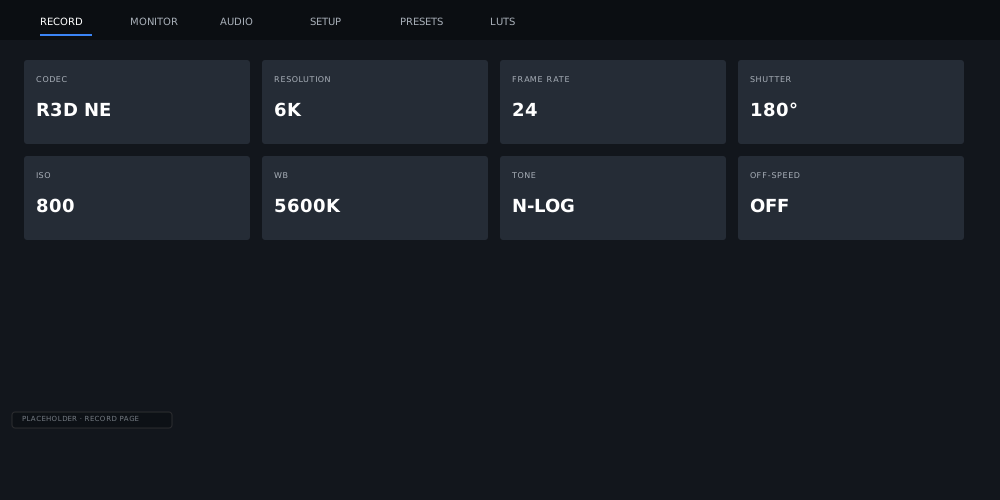
Nineteen settings, record start and stop, and every clip on the card, over a cable or the ZR's own Wi-Fi. Reach for your phone, not your camera.
Connection
Cable or wireless. Your call.
Both run the exact same session, so everything you learn on one works on the other.
A USB-C cable
Plug in and you're live. No pairing, no account, no setup. Just a cable.
The camera's own Wi-Fi
Switch on the ZR's own network and join it from Setup. Your phone talks to your camera and nothing else. No router required.
Settings
Nineteen settings. One tap away.
Everything you reach for between takes, on a dashboard built for a fingertip on a rig.
- Shutter mode
- Shutter angle
- Shutter speed
- ISO
- WB mode
- WB Kelvin
- Fluorescent type
- Auto WB type
- Tint
- Iris
- Codec
- Quality
- Tone mode
- Resolution
- Frame rate
- Off-speed rate
- Image area
- Lens VR
- Electronic VR
Every change is made on the ZR itself, so camera and phone always agree, even after you unplug. Shutter by mode, angle or speed. White balance down to the Kelvin, with tint. Codec, quality, tone mode, resolution, frame rate, off-speed and image area, all right there.
Lens VR and electronic VR are here too. They're the camera's own stabilisation, so switching them changes what the ZR records.
Record and playback
Roll. Check. Go again.
Start recording from your phone, trust the tally, and review the take without ever pulling the card.
The record button starts a real recording inside the camera, onto its own card. The red border comes straight from the ZR, frame by frame. When it's red, you're rolling.
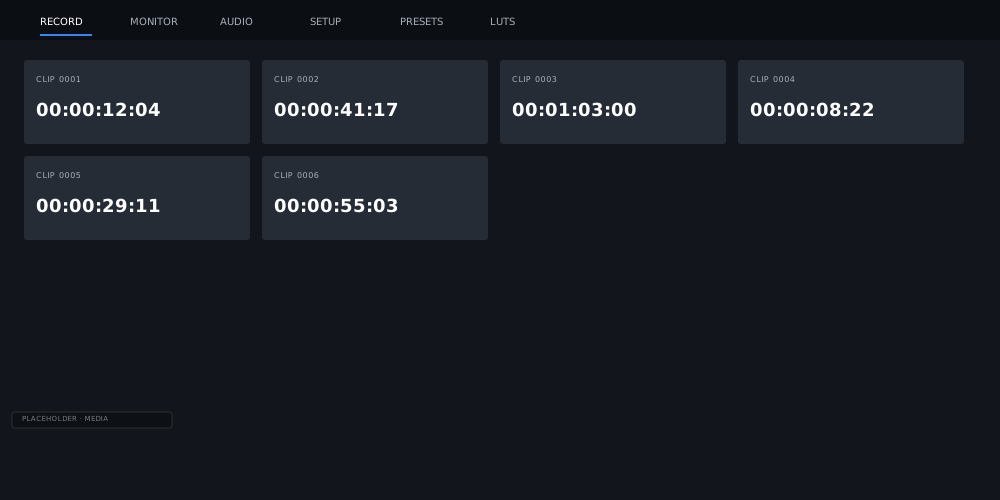
Media lists every clip on the card and plays it right there on your phone. RAW takes play their proxy, which is exactly what you want for a quick check.
The golden rule
The camera records. The phone guides.
Every setting sits on one side of a clear line, so you always know what ends up in your footage.
Camera side
Shutter, ISO, iris, white balance, codec, resolution, frame rate and more are sent to the body and shape what it records. The phone shows you the result. It never fakes it.
Monitor side
False colour, zebra, focus assist, scopes, guides, desqueeze and LUT preview live on the phone and never reach the camera. Nothing you look at can change your take.
The ZR writes every frame to its own card. Pocket Field Monitor records no video and no audio, and never asks for your microphone. See the monitoring tools for the other half of the line.
Put the whole camera in your hand.
One-month free trial, then $49.99 a year for every feature.