Pocket Field Monitor: the iPhone monitor for the Nikon ZR
Pro monitor. Pocket-sized.
Your iPhone becomes a field monitor for the Nikon ZR. Every take looks like it came off a film set.
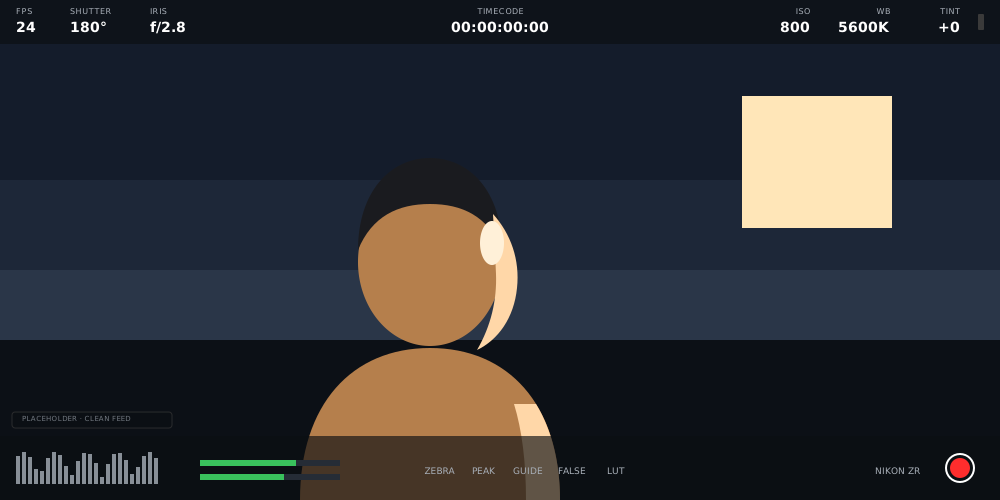
One cable. Your camera’s picture, big and bright, right in your hands. Now you’re directing.
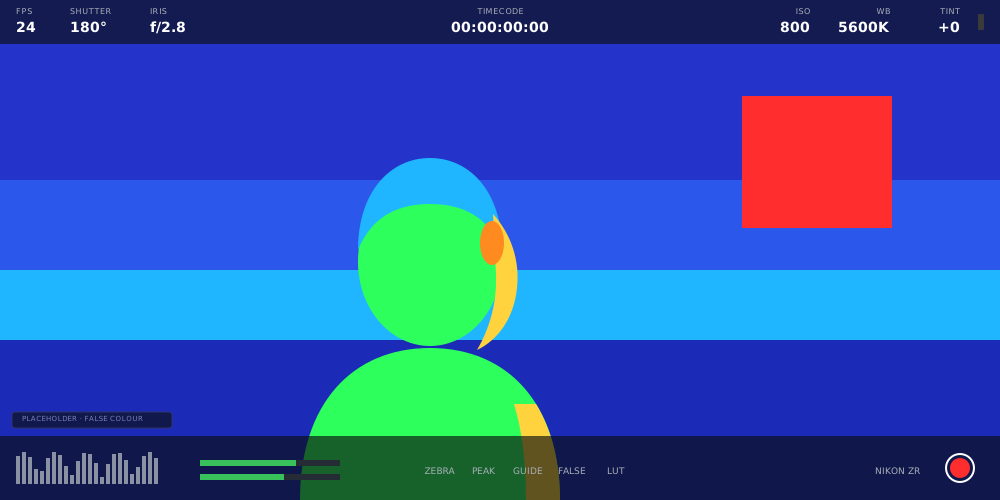
False colour
Nail exposure. Every single take.
Your picture becomes a map of light. Green means skin looks right. Red means pull back. That’s the whole lesson.
Focus assist
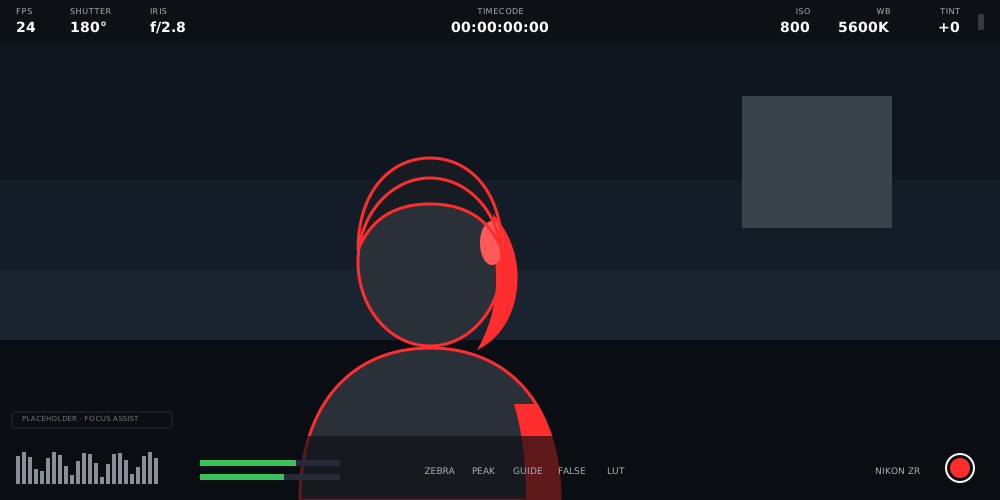
Sharp. And you’ll know it.
Whatever’s in focus glows. So the moment that matters is never the one that’s soft.
Stabilisation
Gimbal-smooth. No gimbal.
Your phone quietly records every move of the rig, so Gyroflow can glide the shake right out.
- 1Shoot
- 2Sync on Mac
- 3Stabilise in Resolve
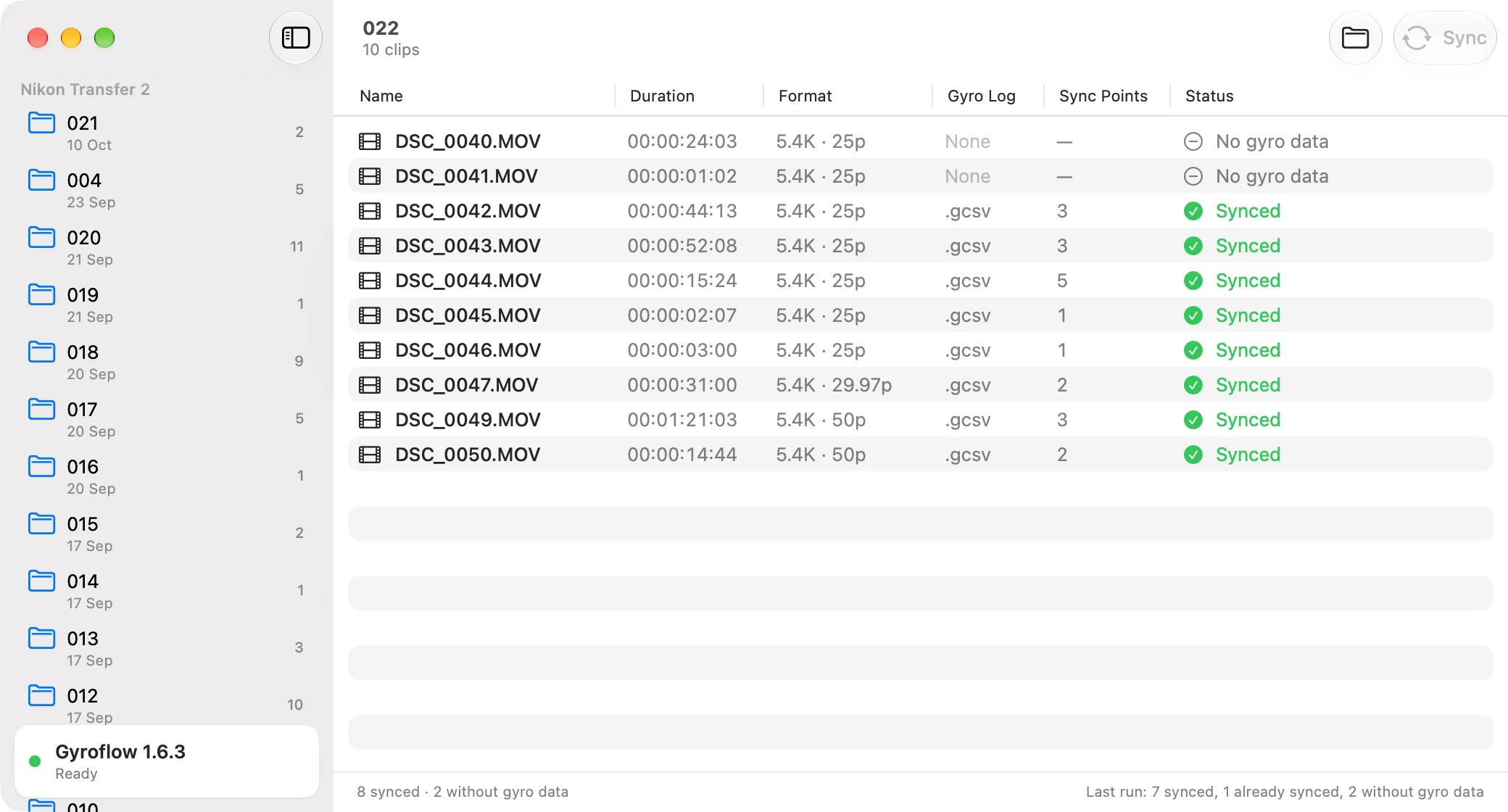
Pocket Sync for Mac lines up a whole shoot with Gyroflow in one click, ready for the plugin in DaVinci Resolve. Meet Pocket Sync
Camera control
Total control. Zero reaching.
ISO, shutter, aperture, white balance and record, all from the screen in your hand. Cable or Wi-Fi.
Everything included
All the pro tools. None of the homework.
- False colour
- Zebra
- Focus assist
- Waveform
- Vectorscope
- RGB parade
- Histogram
- Traffic lights
- Frame guides
- Grid and safe area
- Horizon
- LUT preview
- Desqueeze and flip
- Clean feed
- Audio meters
- Clip playback
- 19 camera controls
- Record start and stop
- USB and Wi-Fi
- Gyroflow logging
Questions, answered.
What it is, what it needs, and what it costs.
- What is Pocket Field Monitor?
- Pocket Field Monitor turns an iPhone into an external monitor and controller for the Nikon ZR: a Blackmagic-style HUD over the camera's clean feed, monitoring tools like false colour, zebra, focus assist and scopes, and camera control over USB or Wi-Fi.
- Can I use my iPhone as a monitor for the Nikon ZR?
- Yes. Pocket Field Monitor shows the ZR's own live picture on an iPhone, over a USB-C cable or the camera's own Wi-Fi network, with false colour, zebra, focus assist and scopes computed on the phone. The ZR keeps recording to its own card.
- What do I need to connect it?
- A Nikon ZR and an iPhone. For a wired connection, a USB-C cable between the camera and a USB-C iPhone. For wireless, the iPhone joins the Wi-Fi network the ZR hosts itself, so no router is needed.
- Is it available now?
- Coming to the App Store. The listing is not live yet, so nothing on this site links to it.
- How much does it cost?
- A one-month free trial, then $49.99 a year. One subscription includes every feature.
One price. Every feature.
$49.99
a year. First month free. Your next story starts here.